
Striped cursor
116Free
Enhance your desktop with the Striped custom cursor set, featuring vibrant green and blue stripes that bring a modern style and unique personality to your screen.
Install the Cursor Space extension for Chrome or Cursor Space for Edge in your browser.
On this page, click "Add this cursor pack to the extension".
Open the extension and go to the Packs tab.
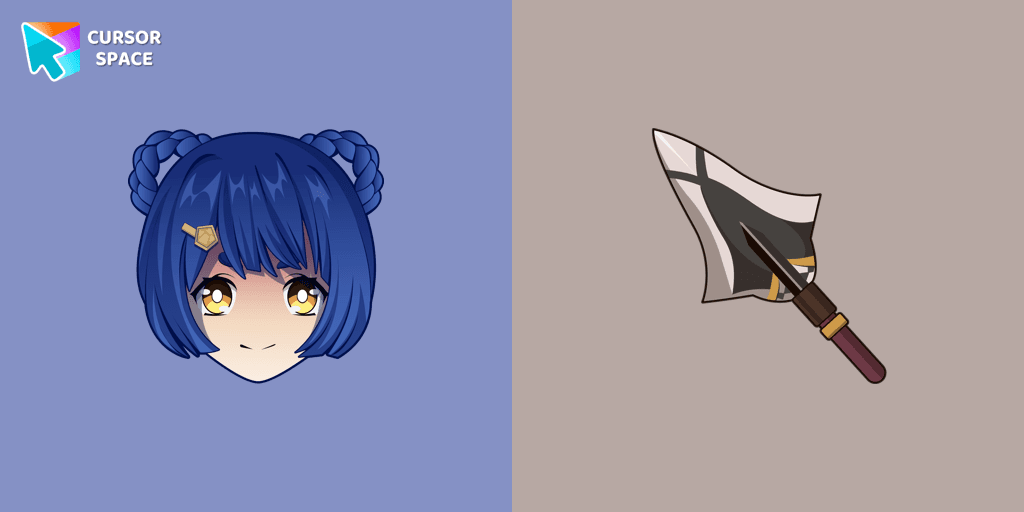
Find the custom cursor pack "Xiangling cursor" and click it.
Enjoy!
Get this cursor pack and thousands of others by installing our extension. It's fast and free!
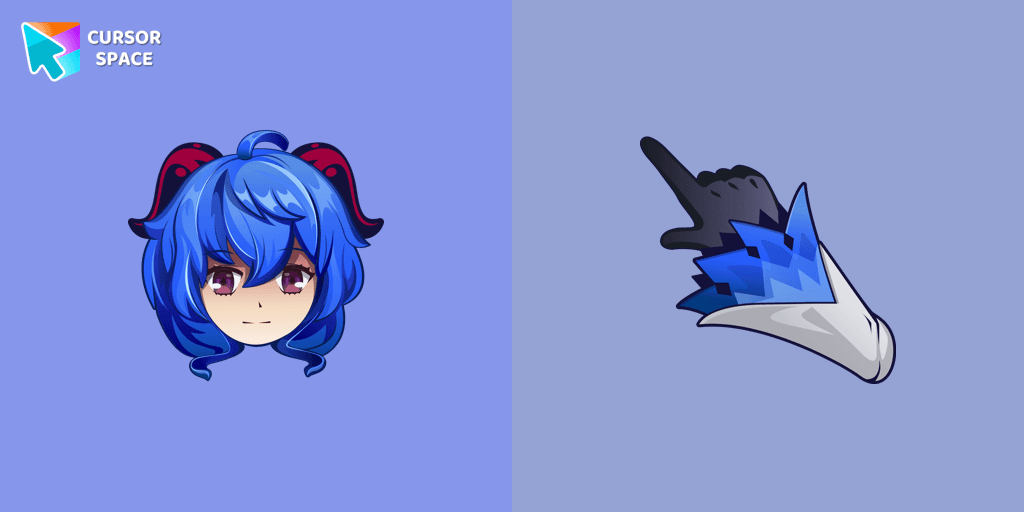
Xiangling Cursor is a themed cursor pack you can add to your browser to personalize your pointer across common cursor states (default and pointer). Use it for everyday browsing, streaming, studying, or gaming-anywhere you want your cursor to match your vibe.
See how the cursors look before installing.
Add the pack to the extension in a few clicks.
Designed for Chrome and Edge via the extension.
Quick answers to common questions about cursor packs, collections, and installation.
Yes. To apply cursor packs in Chrome or Edge, install the Cursor Space extension and add this pack to it.
Cursor packs are designed for Chromium browsers like Chrome and Microsoft Edge.
Open the extension, choose another pack or disable the current one to return to your default cursor.
Custom cursor and packs - neon, anime, pixel art. Quickly add to Chrome and Microsoft Edge for free
Enhance your desktop with the Striped custom cursor set, featuring vibrant green and blue stripes that bring a modern style and unique personality to your screen.
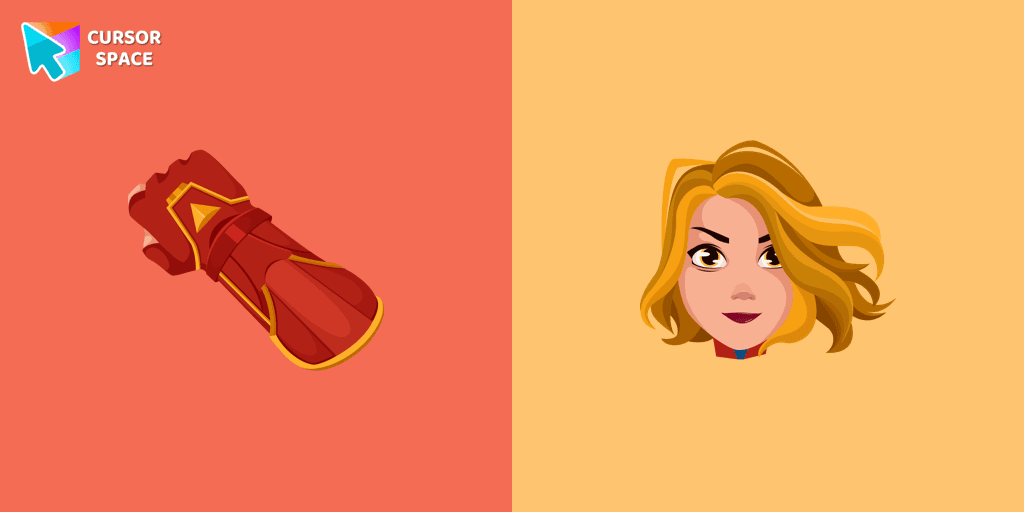
Transform your browsing with a custom cursor for Google Chrome inspired by Captain Marvel. Embrace the power of this superhero with a unique cursor design.
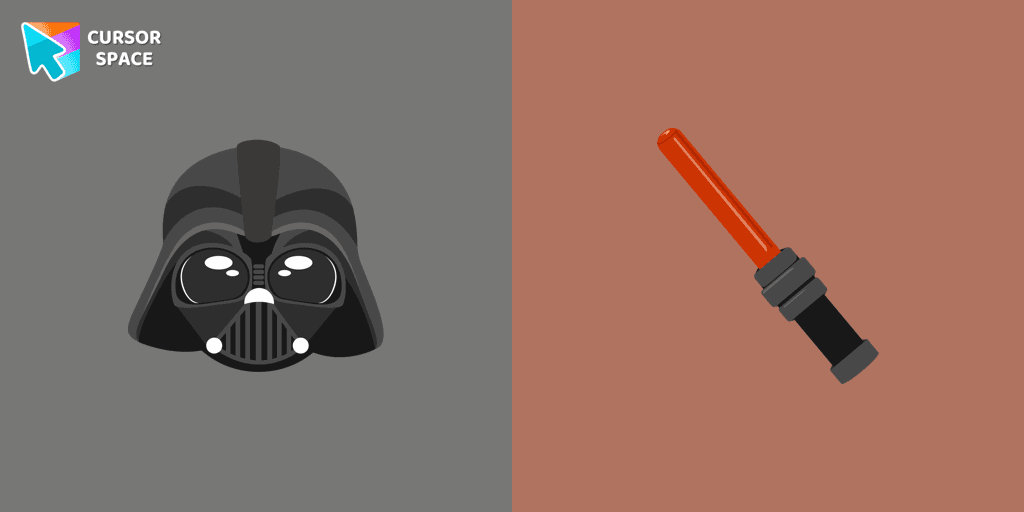
Unleash the power of the dark side with the Darth Vader custom cursor for Google Chrome. Embrace the Sith Lord's presence and upgrade your browsing experience.

Is a Sanrio character who is a monkey. If you want to change the default cursor to Chi Chai Monchan, you are welcome to our collection of cursors Hello Kitty in a variety of moods.
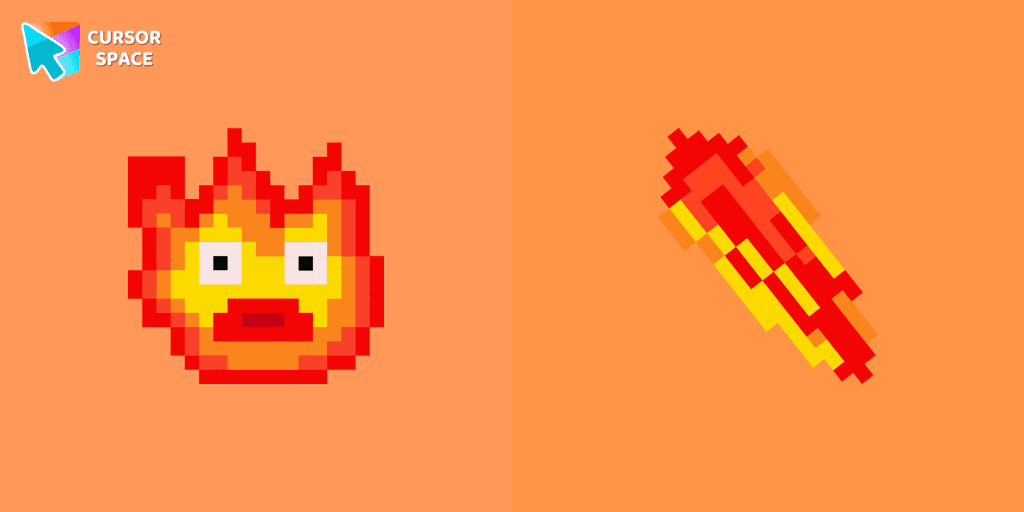
Calcifer Pixel cursor element is a cute custom mouse and pointer cursor with stylish pointing.
Among Us players have the option to select from a variety of colors to customize their in-game characters. In fact, there are 18 different hues available for selection in the game lobby.
Introducing the Among Us Ghost Cursor: Add a Spooky Twist to Your Computer Experience!
Enhance your browsing with the Zombie Red Hand custom cursor. This unique custom cursor for Google Chrome adds personality and a playful touch to your screen.
Yoshi, the lovable dinosaur-like character, is both an ally of Mario and Luigi and a sidekick to Mario in the main series
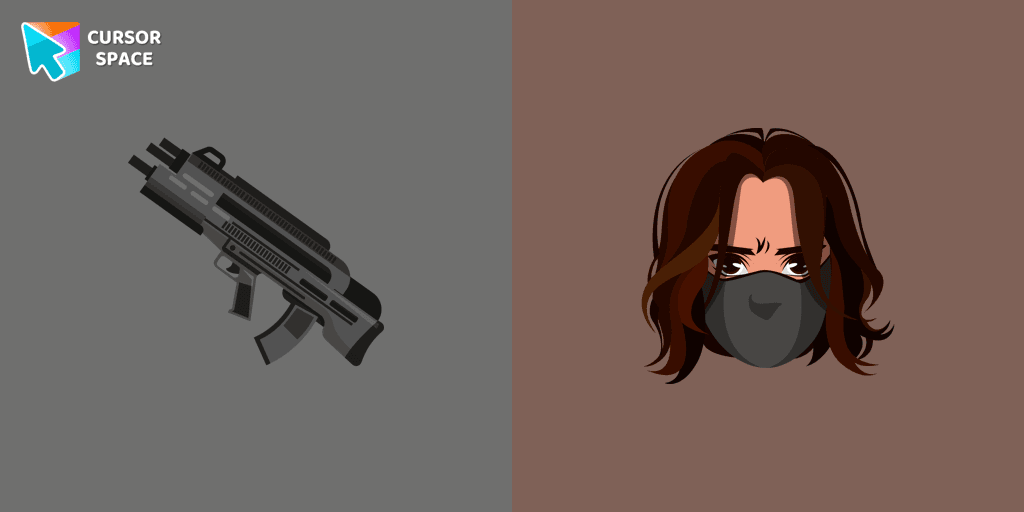
Add the Winter Soldier custom cursor for Google Chrome and bring a touch of mystery to your screen. Perfect for fans of the Marvel universe.
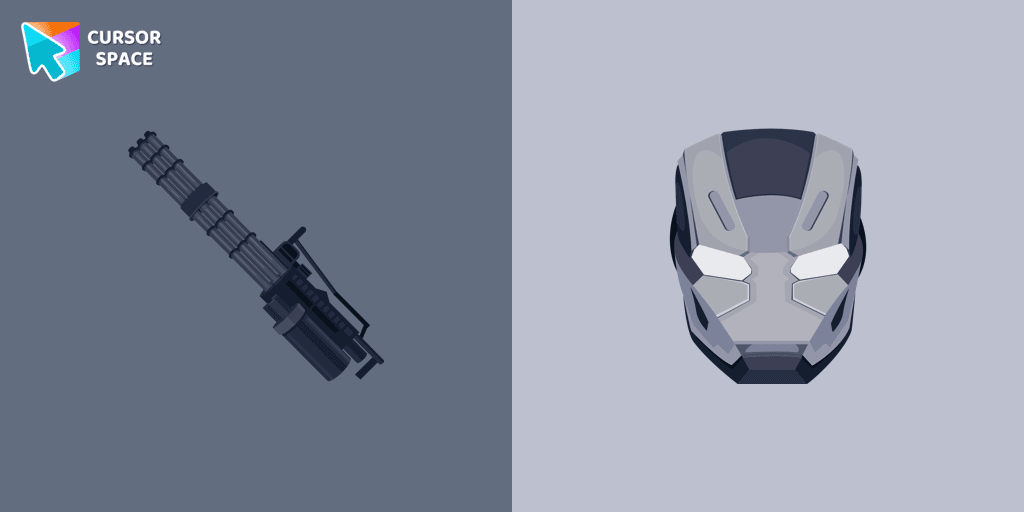
Transform your browsing experience with the War Machine custom cursor for Google Chrome. Featuring the powerful Marvel hero, it adds strength and style to your screen.
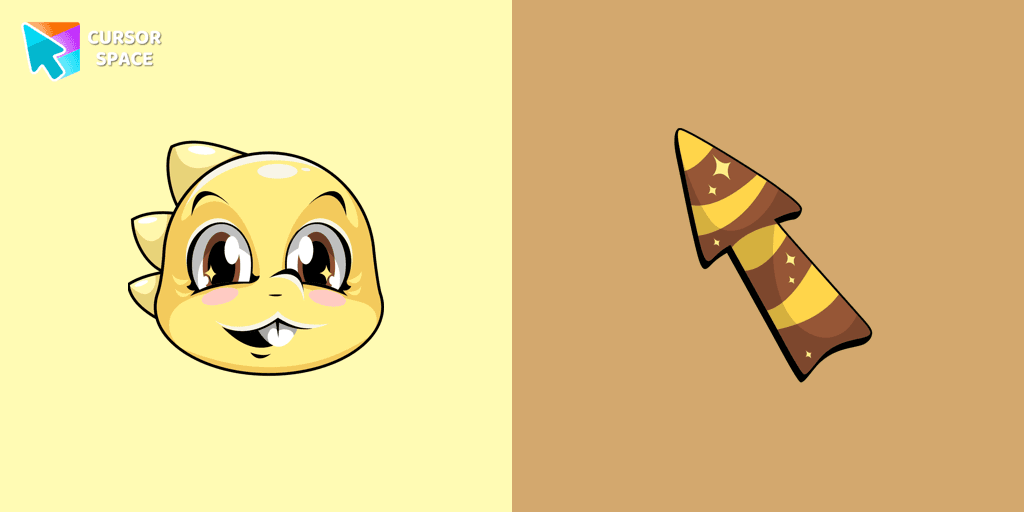
Add Monster Kid cursor in the collection of custom cursors with characters from Undertale and Deltarune for the browser.
Installation leaders from "Genshin Impact Cursor Collection": free packs, neon/anime/pixel art, quick add to Chrome and Edge.
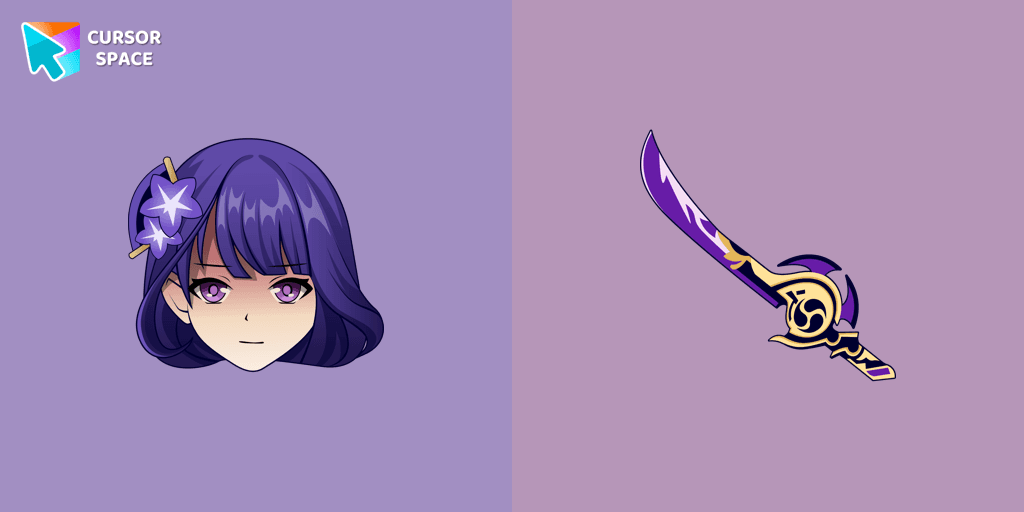
Incredible Raiden Shogun as a custom cursor for the mouse and pointer with which we can spend many hours of fun.
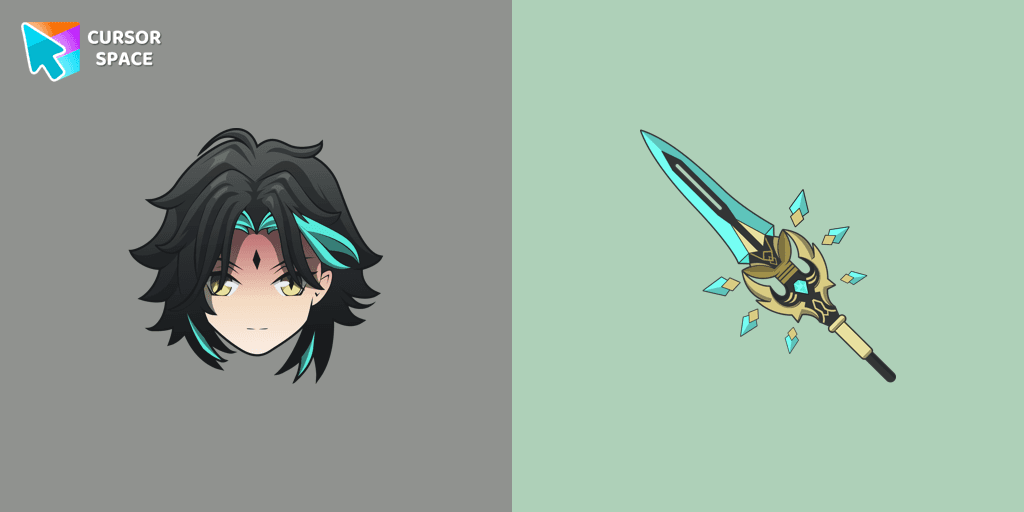
Add Xiao cursor in the collection of custom cursors with Genshin Impact for the browser.
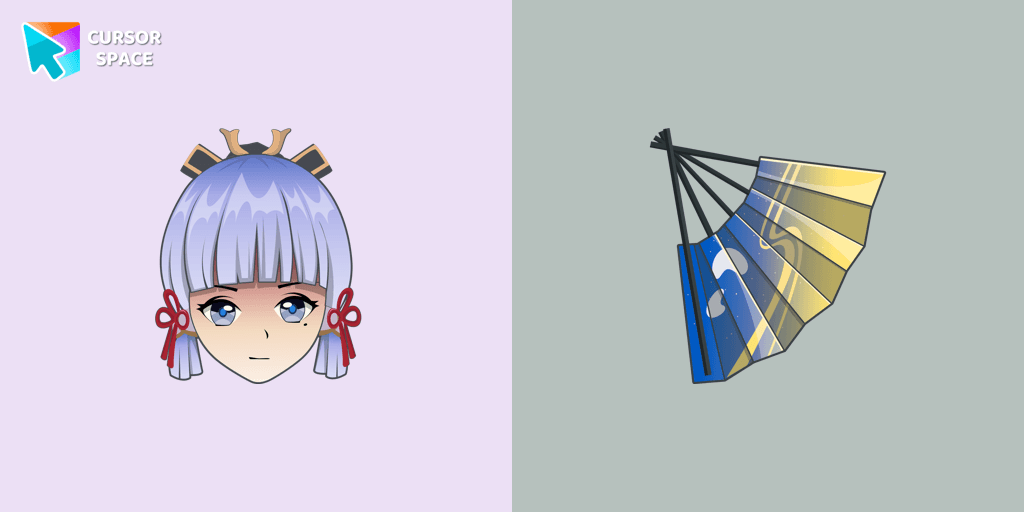
Сustom cursor with Ayaka includes a mouse cursor in the form of a fan and a hover pointer with Kamisato Ayaka.
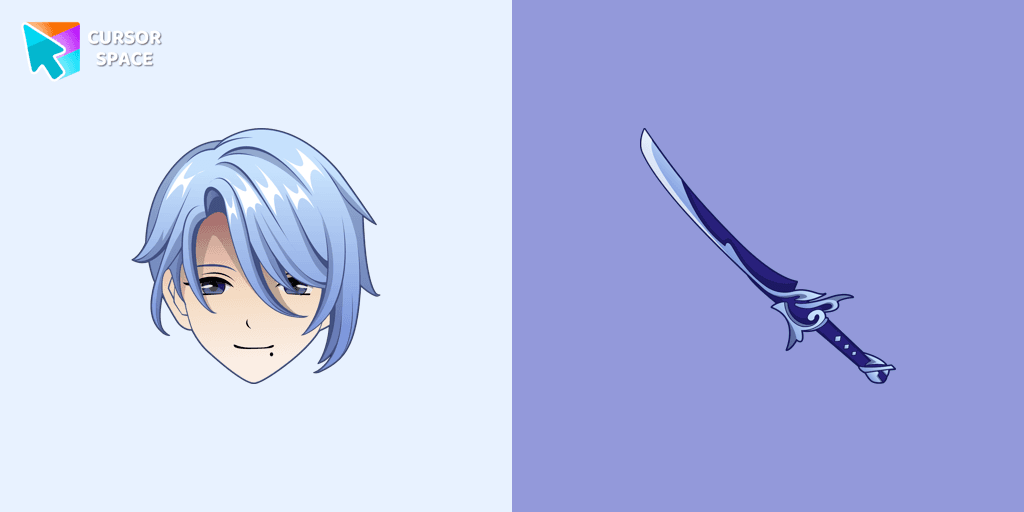
Kamisato Ayato custom cursor from our custom cursors collection for Chrome will change your default mouse pointer to the Genshin Impact character.
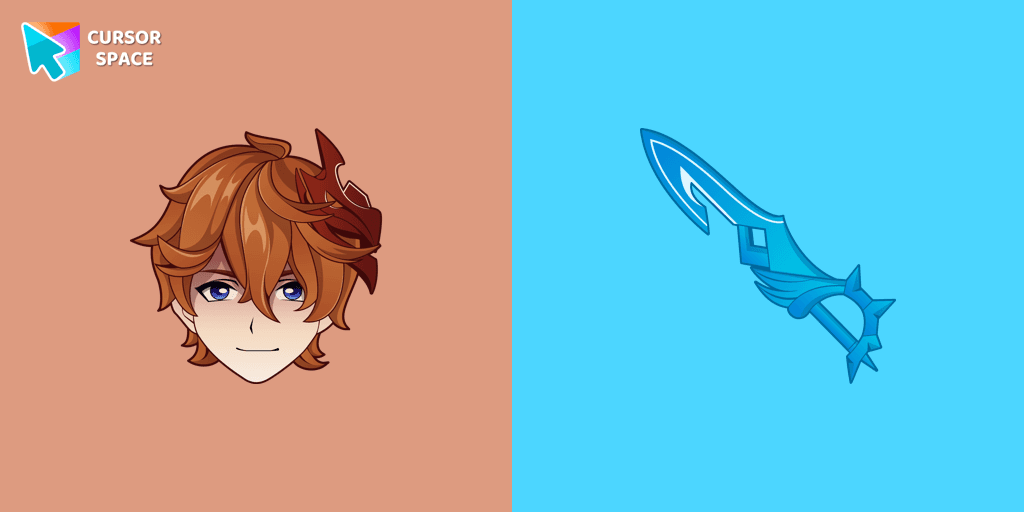
Our Genshin Impact custom cursors collection for Chrome will allow you to use the Tartaglia character as a custom cursor for the mouse and pointer.
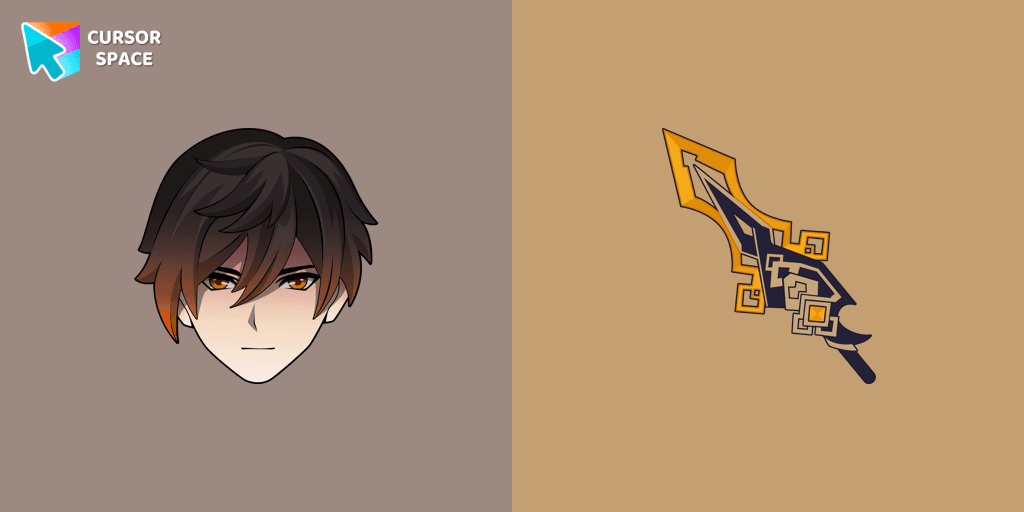
We are glad to present this custom cursor with Zhongli from the adorable custom cursors collection for the mouse and pointer.
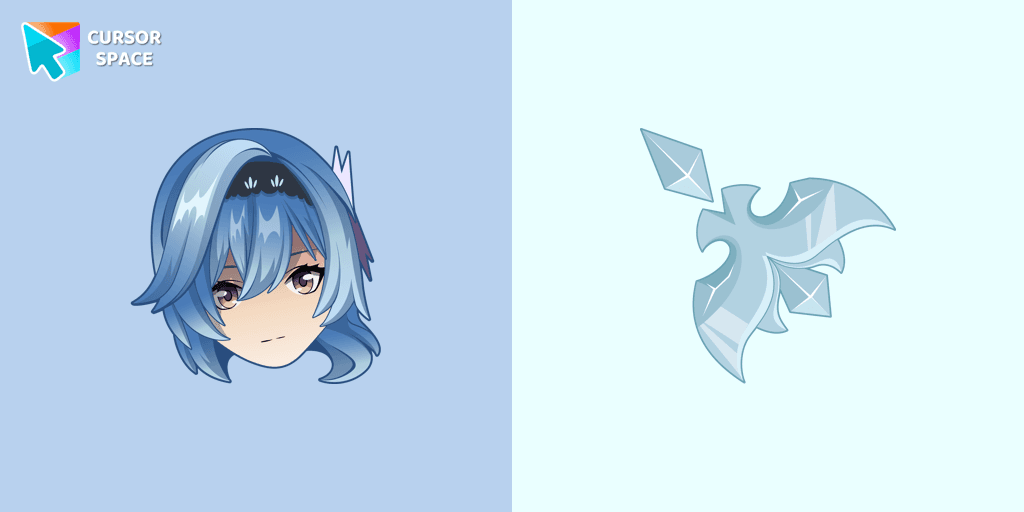
Eula cursor for mouse and custom hover pointer with character's weapon in Genshin Impact collection of custom cursors.
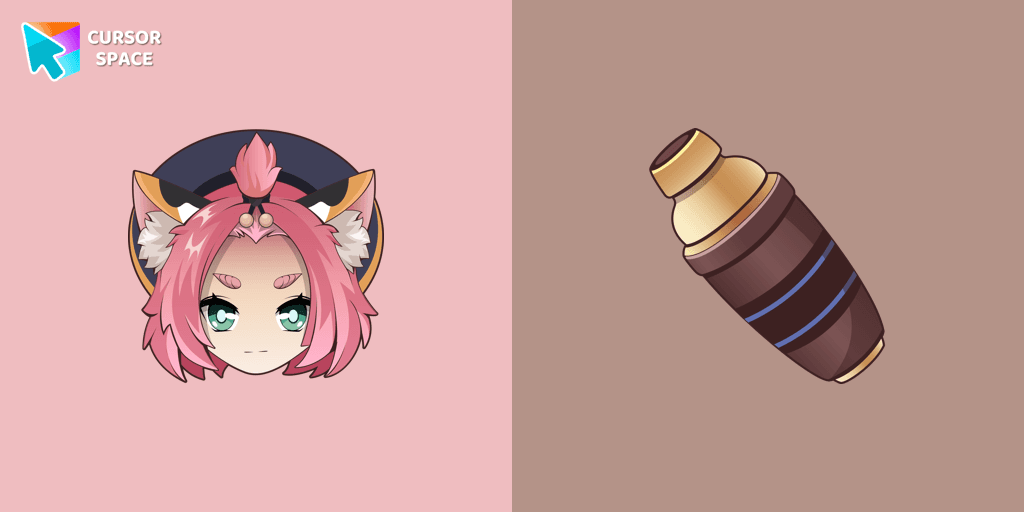
Diona cursor element is a cute custom mouse and pointer cursor with stylish pointing.
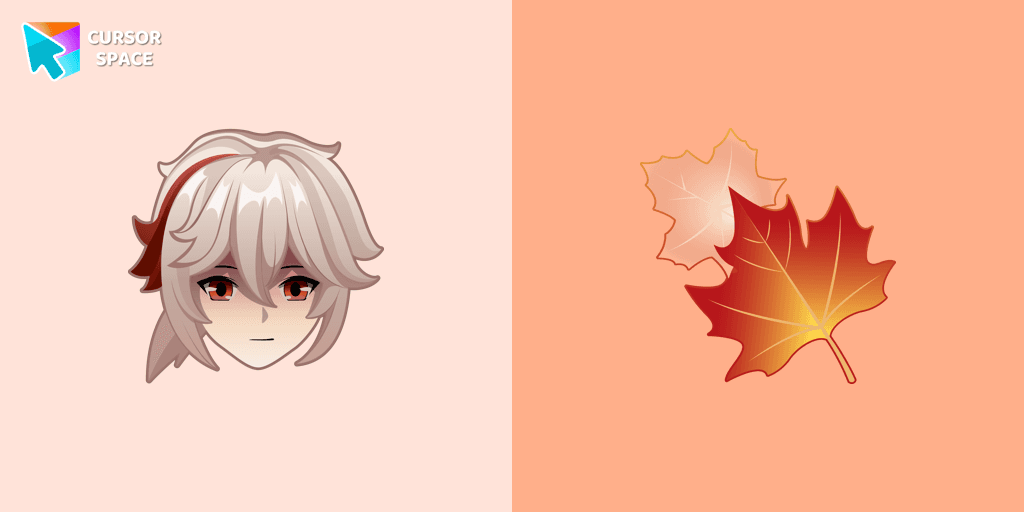
Genshin Impact for Chrome cursor set has a custom cursor Kazuha as a pointing device.
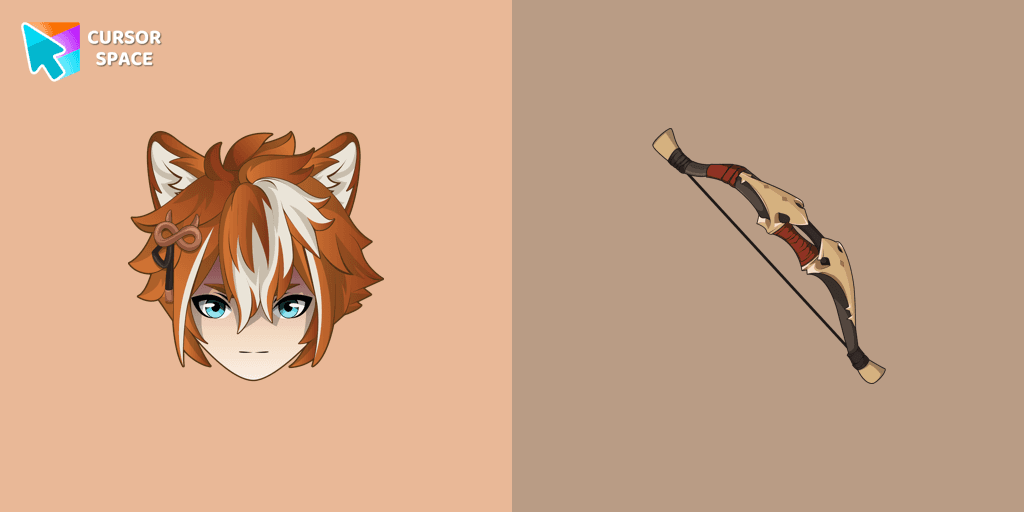
If you want to change the default cursor to Gorou, you are welcome to our collection of cursors Genshin Impact in a variety of moods.
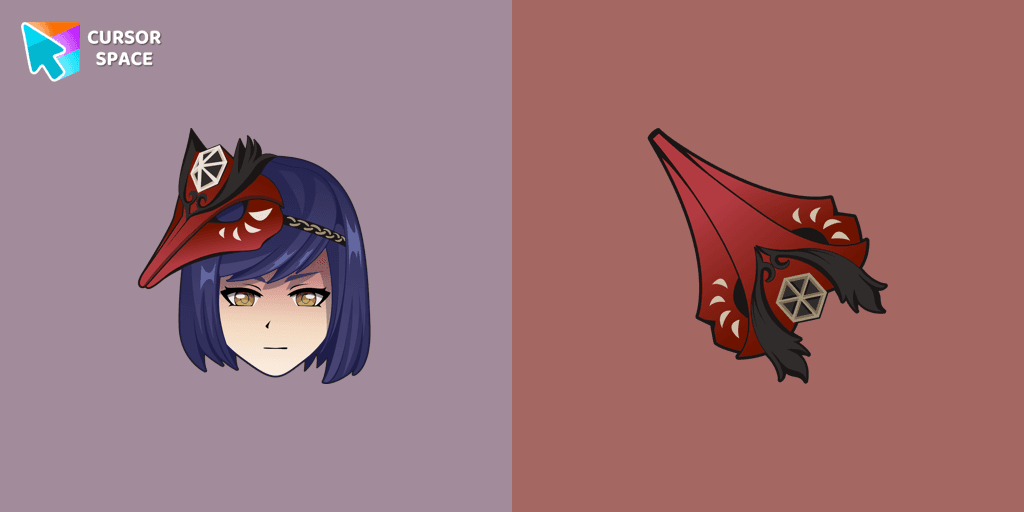
We are glad to present this cute custom cursor with Kujou Sara from the adorable custom cursors collection for the mouse and pointer.
Add packs instantly and unlock access to thousands of cursors: neon, anime, pixel-art, and more. Fast, safe, and free.
Cursor Space is an extension for changing your mouse cursor in Chrome and Edge browsers: themed collections, HiDPI icons, neon, animated, and pixel cursors, with quick installation.